Skip to content

Your invisible AI helper,
on every call.

A card only you can see. It hears both sides and, when a question comes out of nowhere, writes what you can say next, in your own words.

Download for Mac

Older MacBook (2017 or earlier, macOS 12)? Download this version

Your line⌘ ⇧ Space
Presenting
Karan Shah
You

What is Palmcard?

Palmcard is an AI call assistant for Mac and Windows. It hears both sides of a live call, through your microphone and the sound the call plays, and shows you a private card with what you could say next, in your own words.

Before a call it prepares a brief from your notes and documents. Afterwards it writes the summary and lists what you promised. It never joins the meeting as a bot, and it works in 25 languages.

How it worksAI sales call assistantLive translation for callsSecurity and privacy

Works with
Zoom, Google Meet, Microsoft Teams, Webex and Slack huddles
Runs on
macOS 13 or newer and Windows 10 or 11
Languages
25
Reply time
0.5 to 1.1 seconds in our tests
Price
From €9 a month. Free 3-day trial, no card needed
Your data
Transcripts, summaries and documents stay on your computer

How Palmcard helps on a call

It hears both sides.

You and them, kept apart, so the line it writes answers them and never you.

Listening to both sidesThem
YouThem

It writes your next line.

When they stop talking, what you can say next is on the card, in your words.

Your lineKaran, call 3612 ms

THEMOkay, and what would this cost for a team of ten?

Honestly, it depends on how many calls your team runs. I'd rather check than guess. Can I send you exact numbers today?

One card. Every kind of call.

Swipe to see each one.

Job interviews

Interview like a pro.

The question you didn't prepare for. Salary, a gap in your CV, why you left. Your answer is ready before the silence gets long.
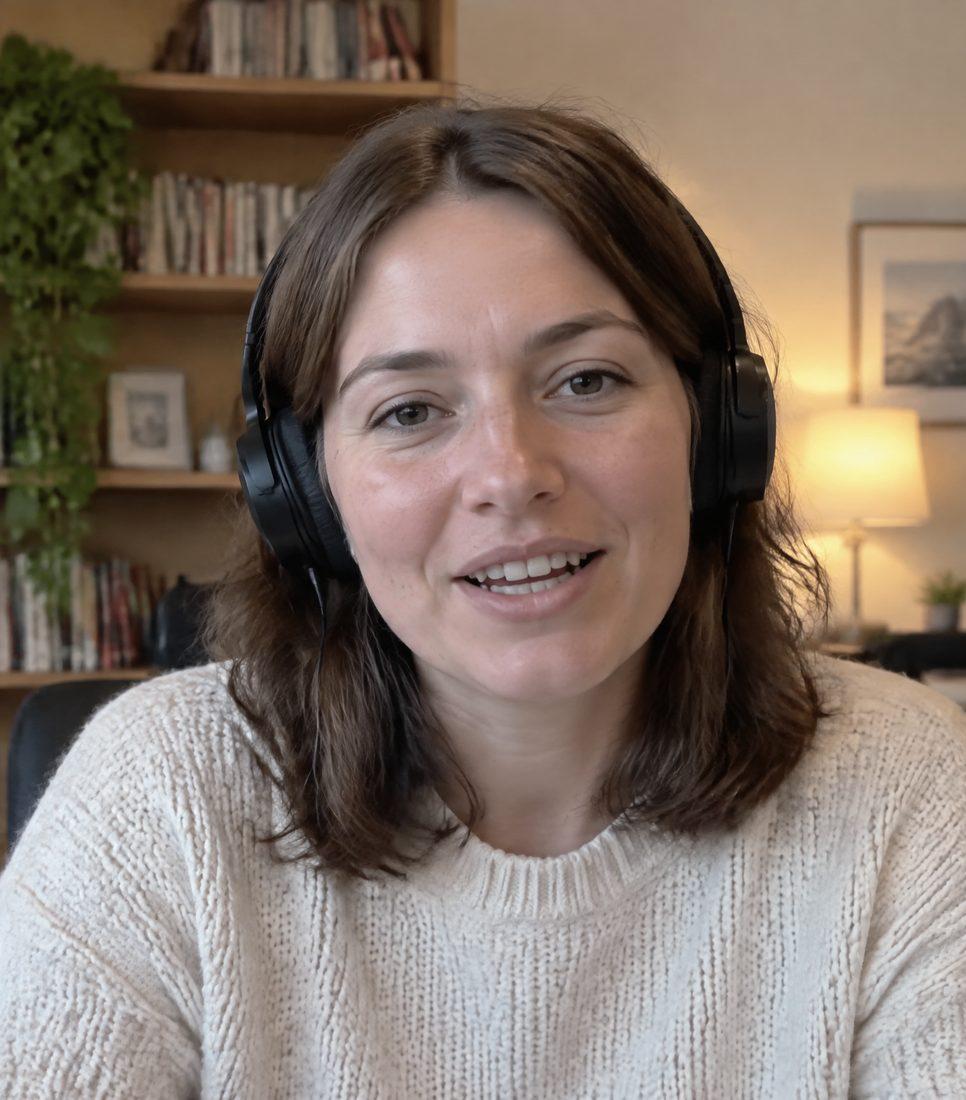
Interview, round 2
Elena Grech
You
Your lineInterview, round 2540 ms

THEMWhat are your salary expectations?

I'd rather hear the range you have for the role first, then I can tell you honestly whether it works for me. For this level I've seen 45 to 55, and that's where I'd expect to be.

  • BeforeReads the job ad and your CV.
  • DuringAnswers the question you didn't prepare for, in your words.
  • At the endGives you the question to ask about next steps.

Sales calls

Sell like a pro.

Objections, pricing questions and the long pause before a yes. Your next line comes from your facts, not from panic.

Karan, call 3
Karan Shah
You
Your lineKaran, call 3612 ms

THEMOkay, and what would this cost for a team of ten?

Honestly, it depends on how many calls your team runs. I'd rather check than guess. Can I send you exact numbers today?

  • BeforeReads your notes and documents.
  • DuringObjections and pricing questions, answered live.
  • AfterA summary with the promises you made.

Second language

Sound sure in any language.

Their question in your language the moment they say it, and your line in theirs. Twenty-five languages, English to Turkish, Hindi, Spanish or Arabic.

English call, Turkish for you
Elena Grech
You
Your lineEnglish call, Turkish for you702 ms

THEMWhen could you start?Ne zaman başlayabilirsin?

Straight away. My notice period is done, so I'm free from the day you need me.

Hemen. İhbar sürem bitti, ihtiyacınız olan günden itibaren müsaitim.

  • BeforePick the language you read best and the one spoken on the call.
  • DuringTheir words in your language, your line in theirs, with its meaning under it.
  • AfterThe summary in your language.

Assignments

Study like a pro.

Homework and practice questions on your screen. Palmcard reads the question under your cursor and writes the answer in your words, with the working.

Biology, practice set 4
classroom.example/practice/4

Cell biology, practice set 4

  1. 1. Which organelle makes most of the cell's ATP?

    A. NucleusB. MitochondrionC. RibosomeD. Golgi body

  2. 2. Solve for x: 3x + 7 = 22

  3. 3. In one sentence, why do plant cells have a cell wall?

Your lineBiology, practice set 4612 ms

SCREENQ2, under your cursor

x = 5. Take 7 from both sides to get 3x = 15, then divide by 3.

  • BeforeOpen the questions on your screen. No microphone needed.
  • DuringAlt Ctrl Enter answers the question under your cursor. Alt Cmd Enter answers every question on screen.
  • AfterEvery answer kept on the card, so you can check your work.

Invisible AI helper, in every way.

A friend in need is a friend indeed. This one is on your screen, and nowhere else.

joined
joined
+no bot

Never joins the meeting as a bot. Nobody sees a note-taker join. Palmcard listens through your laptop.

Your screen
What they see

Invisible to screen share. The card is excluded from screen sharing and recordings on Mac and Windows.

Only on your screen. Transcripts, summaries and your documents stay on your Mac.

Works withZoomGoogle MeetMicrosoft Teams

Your English isn't the problem. The speed is.

Interviewing or selling in a second language means understanding the question, finding the words and sounding sure, all inside the same two seconds. Palmcard reads the call in your language and hands you the line in theirs.

TurkishHindiSpanishArabic+21 more
Interview, round 2
Elena Grech
You
Your lineEnglish call, Turkish for you688 ms

THEMWhy should we take that risk with you?Neden seninle bu riski alalım?

Honestly, iGaming is new for me, but the work underneath is the same, keeping people engaged and coming back.

Açıkçası iGaming benim için yeni, ama işin özü aynı: insanları ilgili tutmak ve geri getirmek.

Read it the moment they say it. Their question, in your language, under their words.

Say it the way a native would. Your line in the call's language, with its meaning under it in yours.

Never freeze on a word. The pause people notice is the one spent translating in your head. Palmcard removes it.

Built by someone who interviews in his second language.

Your calendar, only if you connect it.

Connect Google or Outlook in Settings. Your meetings are read on your computer and shown only to you.

How Palmcard uses calendar data
  • Your meetings, ready to start.

    Palmcard reads your next 14 days of meetings, read-only, so the right one is picked when you press Start.

  • Your real free times.Coming soon

    When they ask “are you free next week?”, your line offers times your calendar really has free.

  • The next meeting, booked when you say so.Coming soon

    Only after you press Allow booking and then Approve, it adds that one meeting and sends the invite. It never edits or deletes events.

Measured, not promised.

0.5 to 1.1 s

from their last word to your first words on the card, measured in end-to-end tests

2

sides heard, you and them, kept apart

1

card, and only you can see it

Priced by the hour you spend on calls.

Basic

One or two real calls a month, at the lowest commitment.

€9per month

  • 3 call-hours a month
  • Live next-line replies
  • Pre-call brief for every meeting
  • Summary after every call

Starter

For a few important calls a month.

€19per month

  • 10 call-hours a month
  • Live next-line replies
  • Pre-call brief for every meeting
  • Summary after every call

Pro

Recommended

For anyone on calls every day: interviews, sales, clients.

€149per month

  • 40 call-hours a month
  • Everything in Starter
  • Memory across every call with the same person
  • Your voice profile
  • Priority support

Team

For teams, 3 seats or more.

From€99per seat, per month

  • 30 call-hours per seat
  • Shared company documents
  • Onboarding session for your team
  • One invoice

Founding members get 25% off for life. Extra call-hours: €10 for 5. The price you see is the price you pay.

Not sure yet? Try it free for 3 days, no card needed.

Frequently asked questions

What's the cheapest way to try it?

Basic is €9 a month for 3 call-hours, enough for one or two real calls. There's also a free 3-day trial with 10 minutes of real calls, no card needed.

Can the other person see Palmcard when I share my screen?

No. The card is excluded from screen sharing and recordings on Mac and Windows. Some apps that use Apple's newest capture method can still pick up hidden windows, so the safest habit is to share a single window or tab rather than your whole screen.

Does it join the meeting like a note-taker bot?

No. Nothing joins your call. Palmcard runs on your Mac and listens to your microphone and the call audio.

What happens when it doesn't know the answer?

It tells you to say so honestly, for example that you'll check and come back today. It never invents prices, features or results that aren't in your documents.

Which meeting apps does it work with?

Anything that plays sound on your Mac: Zoom, Google Meet, Microsoft Teams, Webex, Slack huddles and phone calls through your laptop.

Do I need to tell the other person?

Yes. In the EU and many other places you must tell people when a call is transcribed. Say it at the start of the call, the way you would for any recording.

Does it work on Windows?

Yes. Palmcard runs on Windows 10 (version 2004) and 11, 64-bit, and on macOS 13 or newer, Apple Silicon and Intel. Older MacBooks on macOS 12 (Monterey), like 2017 models, have their own download on the download page. Both versions do the same things: hearing both sides, writing your line, translation, screen reading and assignments. On macOS 12 and 13 Palmcard hears the call through your microphone, so play it on the speakers; from macOS 14.2 it hears the call audio directly, headphones included.

Does it work if the whole call is in Turkish, Spanish or Hindi?

Yes, for the 25 languages Palmcard supports. In Settings you pick the language you read best and the language spoken on the call. Palmcard transcribes the call in that language and writes your line in it, with the meaning under it in yours. English uses the fastest transcriber; the other languages use the multilingual one, so they are a touch slower.

Where are my calls stored?

On your computer. Transcripts, summaries and your documents stay local. While you talk, audio is streamed to our transcription provider in the EU, and the text of the conversation is sent to our AI providers to write your replies. If you want your calls on your phone or another computer too, turn on Keep my calls on my account in the app: each call is then kept on your Palmcard account, encrypted, at palmcard.co/calls, where you can search, share or delete it. It's off until you turn it on.

Your invisible friend on every call.

Try Palmcard free for 3 days with 10 minutes of real calls.

Download for Mac

Older MacBook (2017 or earlier, macOS 12)? Download this version